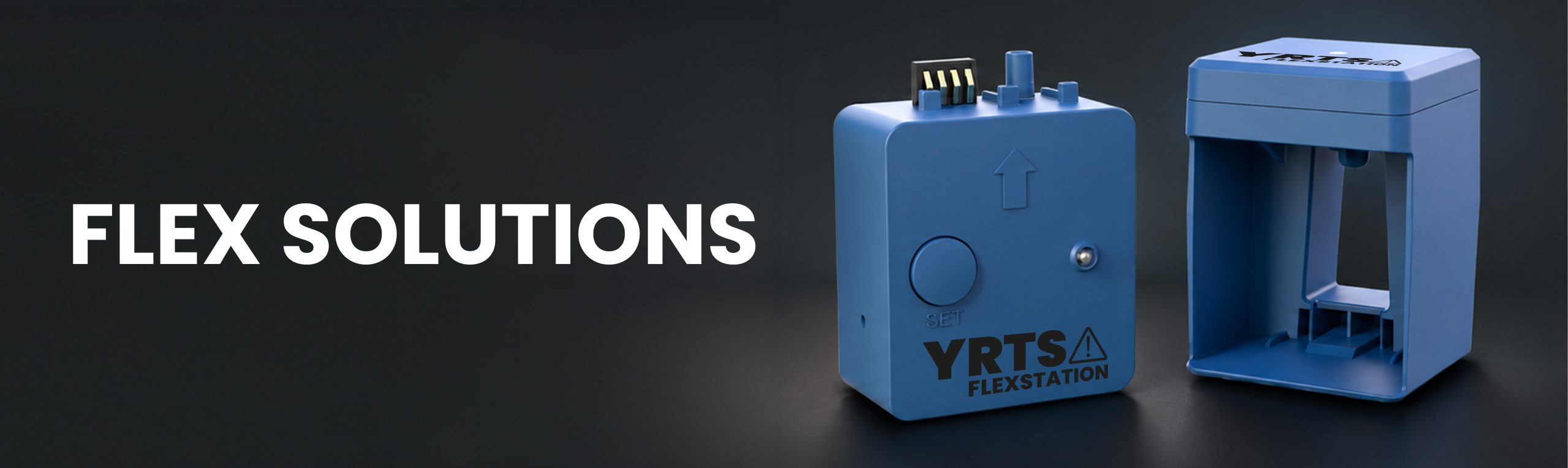
Update your cartridge chips with confidence.
A guided solution to connect, position, and update compatible cartridge chips, powered by the ChipStation Home app.
to complete an update
series supported
power input
Easy connection
Connect via Bluetooth in seconds using the ChipStation Home app.
Guided positioning
Clear visuals guide you to place the device correctly for each cartridge series.
Reliable updates
Reduce failed updates caused by poor contact, wrong model, or incorrect positioning.
Download the app
Available on App Store, Google Play, or via QR code.
Connect your device
Enable Bluetooth, grant permissions, and select the device ID.
Update the chip
Follow the in-app steps before installing the cartridge.
Update firmware
Keep power and network active if a firmware update is available.
Compatible series
Identify your model before starting the update to avoid any errors.
No more failed updates.
Most update errors happen because of poor contact, a misidentified model, or a chip that's already been used. FlexStation eliminates each of these failure points, one by one.
failures
every time
series
Reliable Bluetooth connection
The ChipStation Home app automatically detects your device and guides you through the entire update without guesswork.
Alerts before errors happen
FlexStation warns you if the chip is already used, if the model doesn't match, or if the power supply is insufficient.
Firmware always up to date
Receive firmware updates directly through the app to ensure optimal compatibility with new cartridges.
Built to eliminate the most common update failures.
Every feature in FlexStation directly addresses a real cause of update failure.
Incorrect power source
Use a 5V / 1A charger, a PC USB port, or a phone charging port. Power banks are not currently supported.
Missing Bluetooth connection
Bluetooth on, permissions granted, device powered. All verified by the app before the update begins.
Wrong model selected
If the device model doesn't match the chip, the app flags it immediately so you can correct it before proceeding.
Already-used chip
A chip that's already been installed cannot be updated. Always update the chip before inserting the cartridge.
Ready to simplify your cartridge chip updates?
Refer to the Chipjet ChipStation Home catalogue for all applicable models and order your FlexStation today.